
How to Choose a USB-C Cable and Adapter for Everyday Devices
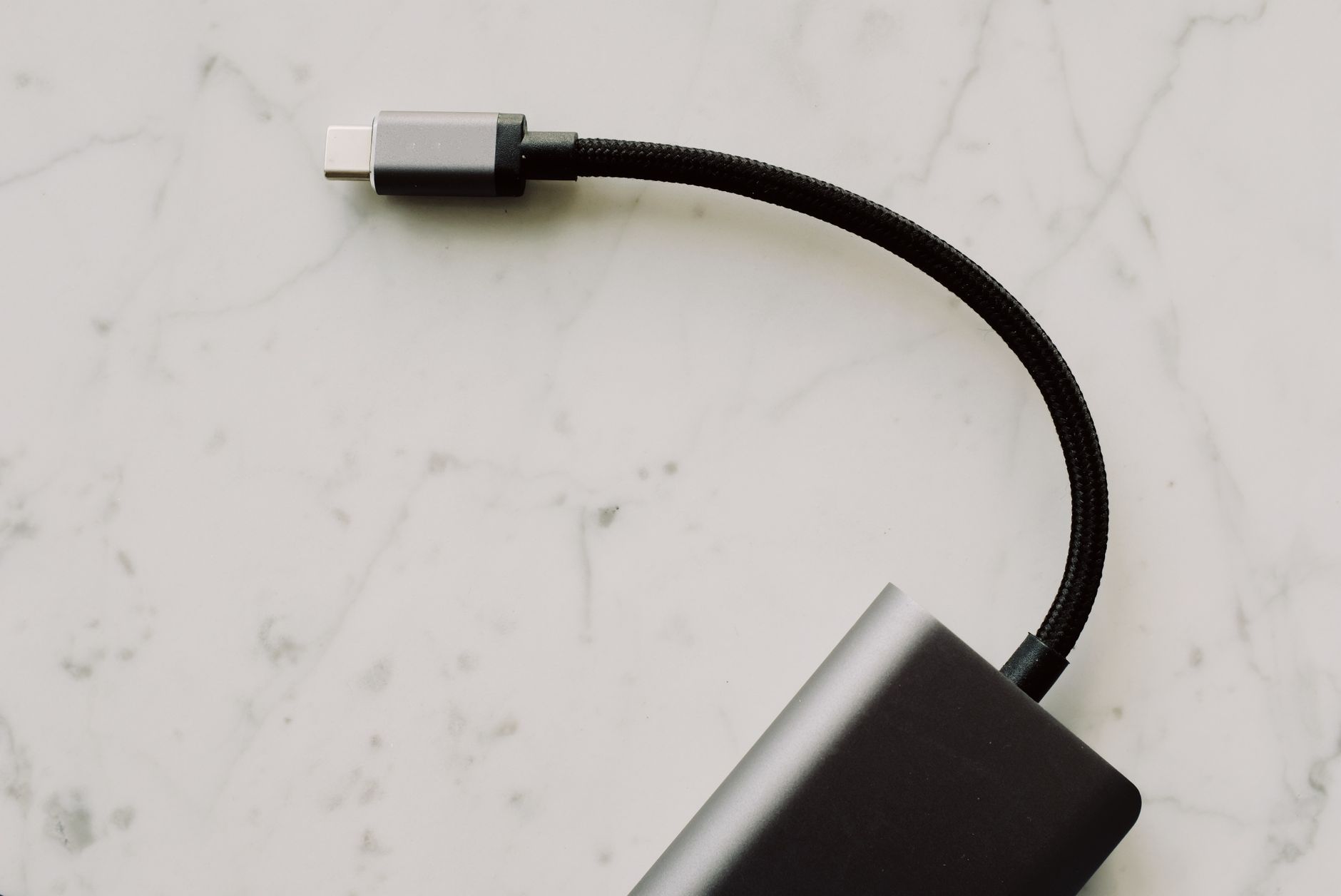
USB-C has become a common connector for phones, tablets, laptops, and many other electronic devices. Its reversible design makes plugging in easier, but not every cable supports the same charging speed, data transfer rate, or display capabilities. Choosing the right USB C cable means looking beyond the connector shape and understanding what you need it to do.
A suitable cable can help you charge compatible devices, transfer files, and connect equipment reliably. The right choice depends on your devices, the power involved, how often you travel, and whether you need more than basic charging.
Why USB-C Cables Are Not All the Same
Two USB-C cables may look almost identical but have different technical capabilities. One may be intended mainly for charging, while another supports faster data transfer or video output. Power capacity also varies, so the cable should match the charger and device.
Before purchasing, decide which functions matter most. If you only need to charge a phone, a basic cable that supports the required power may be sufficient. If you want to connect a laptop to a high-resolution monitor or transfer large files quickly, you will need to check additional specifications.
Charging Power
Charging capability depends on the cable's supported current and power rating, along with the charger and device. Some cables support standard charging, while others are designed for higher power levels and may include electronic identification to communicate their capabilities.
Check the stated power rating rather than assuming every USB-C cable can handle the maximum output of your charger. A suitable cable helps the connected devices negotiate supported power correctly.
Data Transfer
Data performance can vary significantly. Some USB-C cables support basic USB data speeds, while others are designed for faster transfer standards. If you frequently move video files, backups, or large folders, the cable's data specification may be just as important as its charging rating.
Remember that the transfer speed is also limited by the devices and ports on each end. A fast cable cannot make a slower computer port or storage device operate beyond its own capability.
Video Output
Some USB-C connections support video through compatible display technologies, while others are intended for charging and data only. If you want to connect a laptop or tablet to an external monitor, verify that the device's USB-C port supports the required video output and that the cable is suitable for it.
This is particularly important when building a desk setup with external displays, adapters, and docking equipment.
How to Choose the Right USB-C Cable
Start by matching the cable to the task rather than choosing one based only on length or appearance.
For everyday phone charging: Look for a cable that supports the power required by your phone and charger. A durable connector and flexible outer material can make daily use easier.
For laptops and tablets: Check the cable's power rating. Some laptops require higher power than a typical phone, so a cable designed only for basic charging may not be suitable.
For file transfers: Compare the supported data standard and speed. If fast transfer is important, confirm that the computer and connected device support it too.
For monitor connections: Verify video support and compatibility with the display resolution and refresh rate you plan to use.
For travel: Consider cable length, flexibility, and durability. A shorter cable can reduce clutter in a bag, while a longer one may be useful near a desk or bed.
Keeping one or two cables for clearly defined purposes can be more reliable than carrying several unlabelled cables with unknown capabilities.
When a USB-C Adapter Is Useful
Not every device uses the same connector. You may have a laptop with USB-C ports but still need to connect a flash drive, keyboard, mouse, or other accessory that uses USB-A.
A USB C adapter can bridge that connection, allowing compatible devices to work together without replacing every accessory. The correct adapter depends on which device is the host, which accessory you want to connect, and whether you need data, charging, or another function.
USB-A to USB-C: Understand the Direction
Adapters are designed for specific connector arrangements. A USB-A-to-USB-C adapter may allow a USB-A accessory to connect to a device with a USB-C port, but its capabilities depend on the adapter's design.
Check the product description carefully to confirm that it matches your intended connection. An adapter that looks correct may not support every type of device or function.
Check Data and Power Support
Some adapters are designed primarily for data, while others support particular charging arrangements. Do not assume that an adapter will deliver the same charging speed or data rate as a direct connection.
If you plan to connect storage devices, check the supported transfer standard. If you are connecting a power-related accessory, review the manufacturer's specifications and ensure that the configuration is appropriate for your devices.
Size and Build Quality
Small adapters are easy to carry, but they can put pressure on a port if a connected cable is pulled sideways. Choose a design that fits securely and avoid leaving heavy accessories hanging from a connector.
For frequent use, durable construction and clear compatibility information can be more important than having the smallest possible adapter.
Cable and Adapter Compatibility Checklist
Before buying, ask yourself a few simple questions:
- What ports are available on the device?
- What connector does the accessory use?
- Do I need charging, data transfer, video, or more than one function?
- What power level or data standard must the connection support?
- Are both devices compatible with the same standard?
- Will the cable length suit the location where I use it?
- Does the product clearly state its limitations?
This checklist can help prevent common problems, such as purchasing a charging-only cable for a monitor or an adapter that does not support the intended accessory.
Caring for USB-C Cables and Adapters
Proper handling can help your accessories remain reliable. Avoid bending cables sharply near the connector, pulling them out by the cord, or leaving them under heavy objects.
Disconnect accessories by holding the plug rather than tugging the cable. Keep connectors clean and dry, and inspect them for bent parts, loose fittings, or visible damage.
If a cable becomes unusually hot, shows exposed wiring, or repeatedly disconnects, stop using it and replace it with a suitable alternative. Do not force a connector into a port if it does not fit easily.
Common Buying Mistakes
One common mistake is choosing a cable based on its connector alone. USB-C describes the physical connector, not every capability the cable may support.
Another is assuming an adapter can solve every compatibility issue. It can change the connector arrangement, but it cannot automatically add unsupported features to a device.
Some buyers also overlook cable length. A very short cable may be inconvenient at a desk, while an unnecessarily long cable can create clutter in a travel bag.
Finally, check the exact product description and supported specifications. Clear information about power, data, and video helps you choose an accessory for the job you actually need it to perform.
Make Your Connections Work for You
The right USB-C cable and adapter can make everyday charging and device connections simpler. Focus on the function you need, the capabilities of your devices, and the specifications of the cable or adapter.
A cable rated for the required power and data performance is often a better choice than one selected only for its appearance. Likewise, a suitable adapter can extend compatibility with existing accessories, provided it supports the connection you intend to make.
Have you checked whether your current USB-C cable supports the charging speed and data features your devices need?
Frequently Asked Questions
Are all USB-C cables capable of fast charging?
No. USB-C cables support different power ratings. Check the cable's specifications and make sure they match the charger and device.
Can a USB-C cable transfer video to a monitor?
Some USB-C cables support video, but others do not. The computer or mobile device must also support video output through its USB-C port.
What is a USB-C adapter used for?
A USB-C adapter connects devices with different connector types. Its supported functions depend on its design, so check whether it supports the required data, power, or display connection.
Does a better cable make every device transfer files faster?
No. Transfer speeds depend on the cable, ports, connected devices, and supported standards. The slowest part of the connection can limit overall performance.