
How to Choose a Solar Generator for Home Backup
When the power goes out, most households do not need to run everything. They need the refrigerator cold, phones charged, lights on, and internet working. A solar generator can help, but only if it matches the loads you actually plan to use.
A good choice starts with a short home audit. Look at what must stay on, how long it must run, and whether you need plug-in backup or a larger home-connected setup. That method keeps the decision practical instead of chasing the biggest number on a spec sheet.
Start With the Outage You Are Preparing For
Before you compare brands or battery sizes, define the outage you expect. A short outage during a thunderstorm is different from a multi-day winter blackout. Your answer changes the capacity, ports, solar panels, and transfer options you should consider.
Short Outages
Short outages usually call for simple backup. A refrigerator, router, phone charger, and a few LED lamps may be enough. In this case, portability, fast wall charging, and clear load controls matter more than whole-home wiring.
Overnight Outages
An overnight outage changes the math because the battery must carry loads for many hours without sunlight. You may still avoid a full home system, but you need enough capacity to cover cycling appliances and overnight communications.
Multi-Day Outages
Multi-day backup is less about one large battery and more about a repeatable charging plan. Solar panels can extend runtime, but weather, shade, roof angle, and season affect output. Plan for lower real-world solar input than the panel rating suggests.
Know the Four Numbers That Matter
Most comparison pages show many specifications, but four numbers drive the decision. Capacity, continuous AC output, surge output, and solar input tell you whether a unit can run your devices, start motor loads, and recharge in real conditions.
Battery Capacity
Capacity tells you how much stored energy the solar generator holds. It is usually listed in watt-hours or kilowatt-hours. A higher number means longer runtime, but only if your connected loads stay within the unit’s output limits.
Continuous AC Output
Continuous output tells you how much power the system can deliver without interruption. A properly sized solar generator should cover your planned simultaneous loads without relying on temporary boost settings for normal operation.
Surge Output
Surge output matters for appliances with motors or compressors. Refrigerators, sump pumps, and some tools may need a brief startup burst above their running wattage. If surge capacity is too low, the device may fail to start.
Users should also check if the generator features "soft start" or "X-Boost" technology, which helps handle the high startup power requirements of motor-driven appliances.
Solar Input
Solar input shows how quickly a solar generator can recharge from panels under suitable conditions. Higher input can help during longer outages, but actual performance depends on sunlight, temperature, panel angle, cable setup, and the product’s voltage limits.
Battery Chemistry
Battery chemistry affects cycle life, weight, and daily use. Many newer home backup models use lithium iron phosphate batteries, often shortened to LFP or LiFePO4. This chemistry is widely used in backup systems because it supports long service life.
Match Your Loads Before You Compare Brands
The safest way to shop is to list appliances first, then look at products. Do not assume two homes need the same backup size. A home with a sump pump, modem, and medical device has different priorities from one focused on a refrigerator and lighting.
Critical Loads
Critical loads are the devices that protect food, safety, health, and communication. They usually come first during an outage. These may include a refrigerator, freezer, Wi-Fi router, phone charger, medical device, sump pump, or security system.
Comfort Loads
Comfort loads make an outage easier but can drain a battery quickly. Coffee makers, microwaves, space heaters, and air conditioners draw far more power than phones or lights. Use them in short sessions or size the system around them.
Sensitive Loads
Sensitive electronics need stable power and enough headroom. Routers, computers, CPAP machines, and smart appliances may not respond well to overloads or aggressive boost modes. For these loads, steady continuous output is more useful than headline surge numbers.
|
Load Type |
What to Check |
Public Wattage Examples |
Why It Matters |
|
Refrigerator or freezer |
Running watts and starting surge |
About 180W running and 1,800W starting in one safety guide |
Food protection |
|
Lights |
Bulb wattage and count |
About 40W to 100W for common bulbs in one safety guide |
Long runtime |
|
Microwave |
Rated input on label |
About 625W to 2,000W in one safety guide |
Short high load |
|
Coffee maker |
Rated input on label |
About 1,750W to 2,400W in one safety guide |
High morning load |
Use a Simple Sizing Process
Sizing gets easier when you separate power from energy. Power is the load at one moment. Energy is how long the system can support that load. A solar generator for backup should satisfy both, not just one.
- Write down every device you want to run.
- Add the running watts for devices used at the same time.
- Multiply each load by expected hours to estimate energy use.
If a device has a motor, check starting watts as well as running watts. If the label or manual is unclear, leave a safety margin. For essential equipment, choose conservative assumptions instead of building a plan around best-case numbers.
Compare Backup Options Without Chasing Specs
EcoFlow, Jackery, Anker, Bluetti, Goal Zero, and other brands all serve parts of the backup market. The right comparison is not simply which model has the largest capacity. It is whether the design fits your home, outage risk, and charging plan.
Portable Backup Units
Portable backup units work well for renters, apartments, small homes, and weekend use. They can move between a kitchen, garage, RV, or campsite. This style is often the easiest entry point into solar generator ownership.
Expandable Home Systems
Expandable systems suit homeowners who expect longer outages or want to support larger loads. They may add extra batteries, higher solar input, or home panel integration. These systems require more planning, but they can grow with your needs.
When planning your setup, keep in mind that larger battery units can be extremely heavy. Ensure that your installation location is structurally sound and capable of supporting the weight of the system.
Gas Generators Still Have a Role
Gas generators can still make sense for heavy outdoor loads or long runtime when fuel is available. They also require outdoor operation and careful carbon monoxide precautions. For indoor-safe battery backup, a solar generator offers a different use case rather than a direct replacement.
Look Beyond the Purchase Price
The purchase price does not tell the full story. Also check battery cycle life, warranty, expansion cost, solar panel compatibility, app controls, service access, and installation needs. A lower upfront price may not be the better value if it limits growth.
Charging Flexibility
A strong home backup setup should recharge from more than one source. Wall charging helps before a storm. Solar charging helps when the grid stays down. Some systems also support vehicle charging or generator-assisted charging through compatible accessories.
Installation Path
Plug-in use is simple, but it only powers devices connected directly to the unit. Home panel integration can support selected circuits, yet it should be handled by qualified professionals. The best path depends on whether you rent, own, or plan upgrades.
Why EcoFlow Fits Many Home Backup Plans
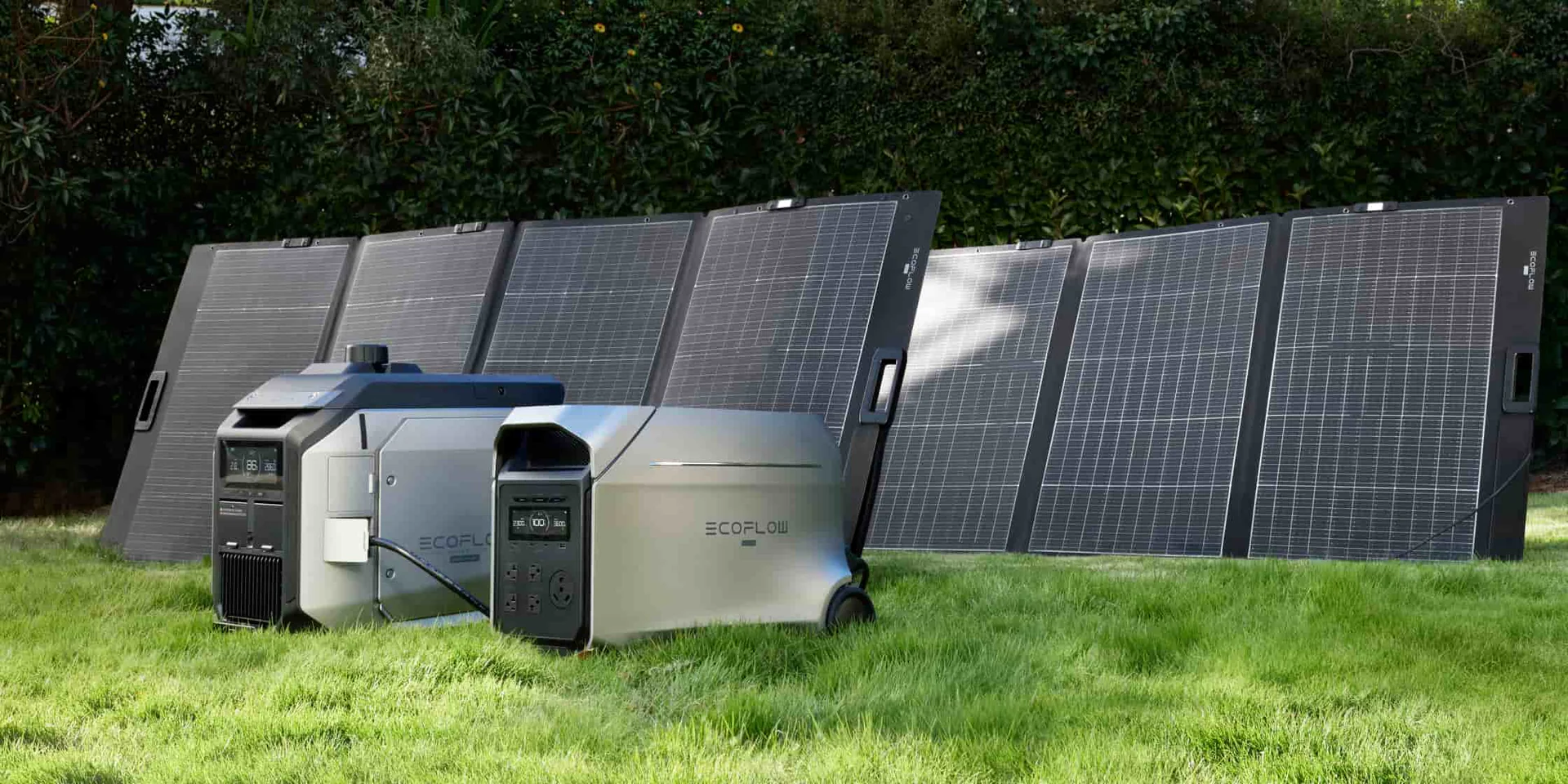
EcoFlow’s range makes sense for buyers who want a step-by-step path. DELTA Pro 3 lists 4,096Wh capacity, 4,000W AC continuous output, 2,600W maximum solar input, and expansion options. For larger homes, DELTA Pro Ultra X scales from 12 to 180kWh and 12 to 36kW output, depending on configuration.
That spread gives homeowners room to start with essential backup and move toward broader coverage later. The better choice is not the biggest system by default. It is the system that keeps your most important loads running when the grid does not.