
Guide to Safe Microtransactions in Online Portals
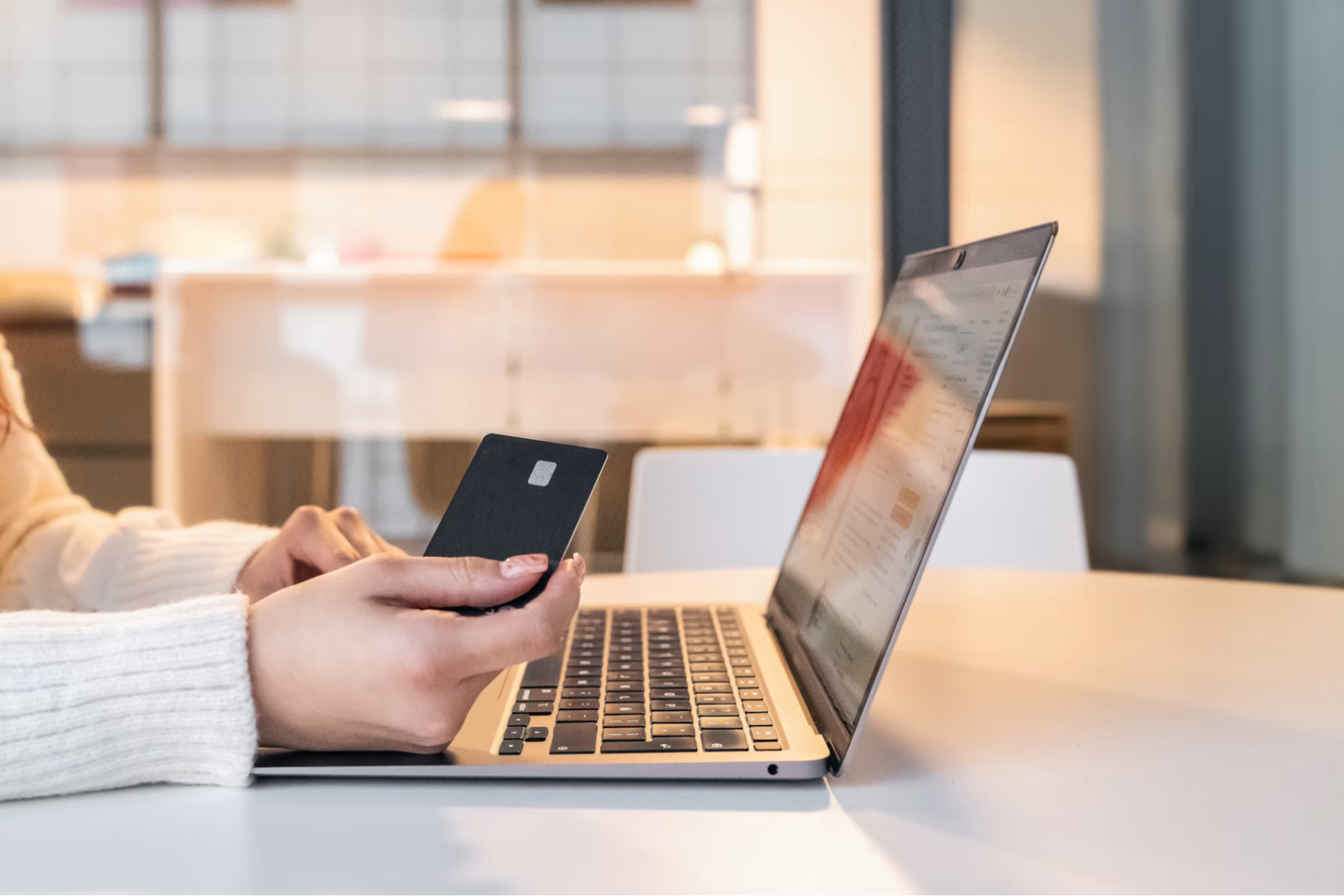
Small online payments can expose more money than their purchase price suggests. A compromised account, an excessive network fee, or a rushed approval may turn a minor transaction into a larger loss. Safe microtransactions depend on controlling how much money a portal can reach, checking its security, and setting firm spending limits before making the first payment.
The following practices apply to digital marketplaces, subscription services, gaming platforms, and other portals that accept frequent low-value payments, including cryptocurrency transactions.
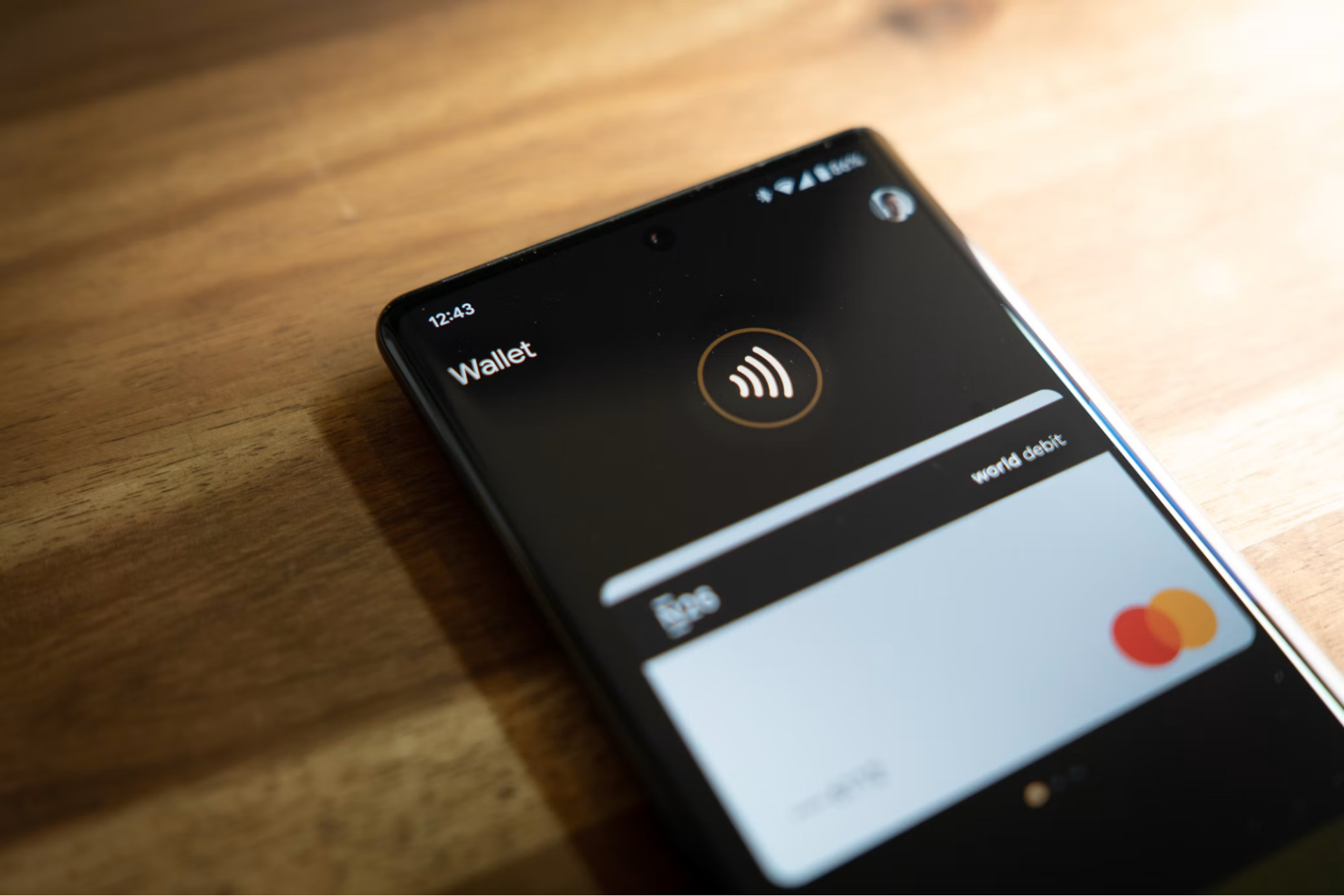
Separate Spending From Long-Term Holdings
Create a dedicated payment account or digital wallet for microtransactions. Keep only the amount you expect to spend over a short period, such as one week or one month. Your savings and long-term digital assets should remain in separate accounts that never connect directly to unfamiliar portals.
For example, suppose you have $2,000 in digital assets but plan to spend no more than $40 on online services this month. Transfer $40, plus a small allowance for fees, into a separate wallet. If the portal or connected account is compromised, the exposed balance remains limited. This setup also prevents an impulsive purchase from drawing on funds intended for another goal.
Apply the same separation to traditional payments. A virtual card with a low limit can reduce exposure, while a dedicated checking account can make recurring charges easier to identify. Avoid storing payment credentials unless repeated use clearly justifies the convenience. Guidance on managing money online also recommends monitoring accounts and protecting login details.
Record the purpose of each account in a password manager or private financial log. Labels such as “monthly portal spending” and “long-term storage” remove ambiguity when moving funds. Before each transfer, confirm both the destination and the amount. A $20 test transfer is easier to correct than a full-balance mistake.
Assess Web Portal Security Protocols
Review a portal before creating an account or connecting any payment method. Confirm that its address uses HTTPS and that the domain spelling matches the service you intended to visit. A padlock icon shows that the connection is encrypted, but it doesn’t prove that the business itself is trustworthy.
Look for clear payment policies, withdrawal or refund terms, support channels, and information about account protection. Reviews can help you understand how a portal handles payments and customer issues. For example, someone researching a crypto gambling platform might consult an independent 22bet casino review as one input, then verify terms directly on the platform and check applicable local rules before sending money. A review should support your assessment, not replace your own checks.
Account security deserves equal attention. Use a unique password generated by a password manager and enable multifactor authentication when available. An authenticator app or hardware-based method generally provides stronger protection than a reusable password alone. Never approve an unexpected login prompt.
Payment processing also matters when assessing a portal’s security. Common payment gateway security protocols include encryption, tokenization, and fraud screening, which help protect sensitive payment details and detect suspicious activity. Understanding how secure instant payments work can also help users evaluate transaction speed, payment verification, and potential risks before approving a transfer. Before completing a purchase, confirm the recipient, review any processing fees, and check that the final amount matches the advertised price. These simple checks can reduce payment errors and help prevent unauthorized transactions.
Track Network Fees Across Chains
A microtransaction only makes financial sense when fees remain proportionate to the purchase. Some blockchain networks adjust transaction costs according to demand, which means a $3 payment may carry a fee that changes within minutes. Portals may also charge deposit, conversion, or withdrawal fees on top of the network cost.
Check the full confirmation screen before approving a transfer. It should show the amount being sent, the destination, and the estimated network fee. If the wallet presents several speed options, compare them carefully. A lower-priority transaction may cost less, though it could take longer to confirm. Don’t select the fastest setting automatically when the purchase has no urgent deadline.
Keep a simple transaction log with four figures: purchase price, portal fee, network fee, and final amount paid. Imagine paying $5 for a digital item with a $1.25 network fee and a 50-cent service charge. The actual cost is $6.75, which is 35 percent above the listed price. Seeing that difference in a log helps you decide when to wait, combine purchases, or use another supported payment route.
Safe e-commerce transactions also require careful confirmation of merchant details and payment pages. For cryptocurrency transfers, verify the network as well as the address. Sending an asset through an unsupported chain can cause a permanent loss even when the address appears valid. Start with a small test payment when using a new address, then wait for confirmation before sending more.
Establish Strict Loss Boundaries
Set a maximum amount you’re willing to lose before you fund an account. This boundary should cover failed transactions, account compromise, price changes, and purchases that can’t be reversed. Treat the limit as a hard ceiling, not a target you can extend after an inconvenient result.
A practical system uses three limits. Set a per-transaction cap, a weekly or monthly spending cap, and a maximum wallet balance. Someone with a $60 monthly budget might limit each payment to $10 and keep no more than $25 in the connected wallet. Once monthly spending reaches $60, further deposits wait until the next budget period.
Turn on transaction alerts wherever possible. Email, text, or app notifications can reveal an unauthorized payment before several more charges occur. Review the account at least once a week, even if no alert arrives. Sound online financial safety also includes using secure networks, updating devices, and watching for phishing attempts.
Decide in advance what will trigger an immediate stop. Useful triggers include an unrecognized charge, a changed withdrawal policy, repeated payment failures, or a request to send extra funds to release an existing balance. Don’t keep paying in an attempt to recover a previous loss. Save receipts and transaction identifiers, disconnect the payment method, and contact the relevant provider through a verified support channel.
Your final safeguard is a short prepayment pause. Read the total amount, recipient, and fee one more time before approval. That ten-second check can catch an extra zero, the wrong network, or a recurring payment you never meant to authorize.