
When Spreadsheets Stop Scaling: Signs Your Operations Need Custom Software
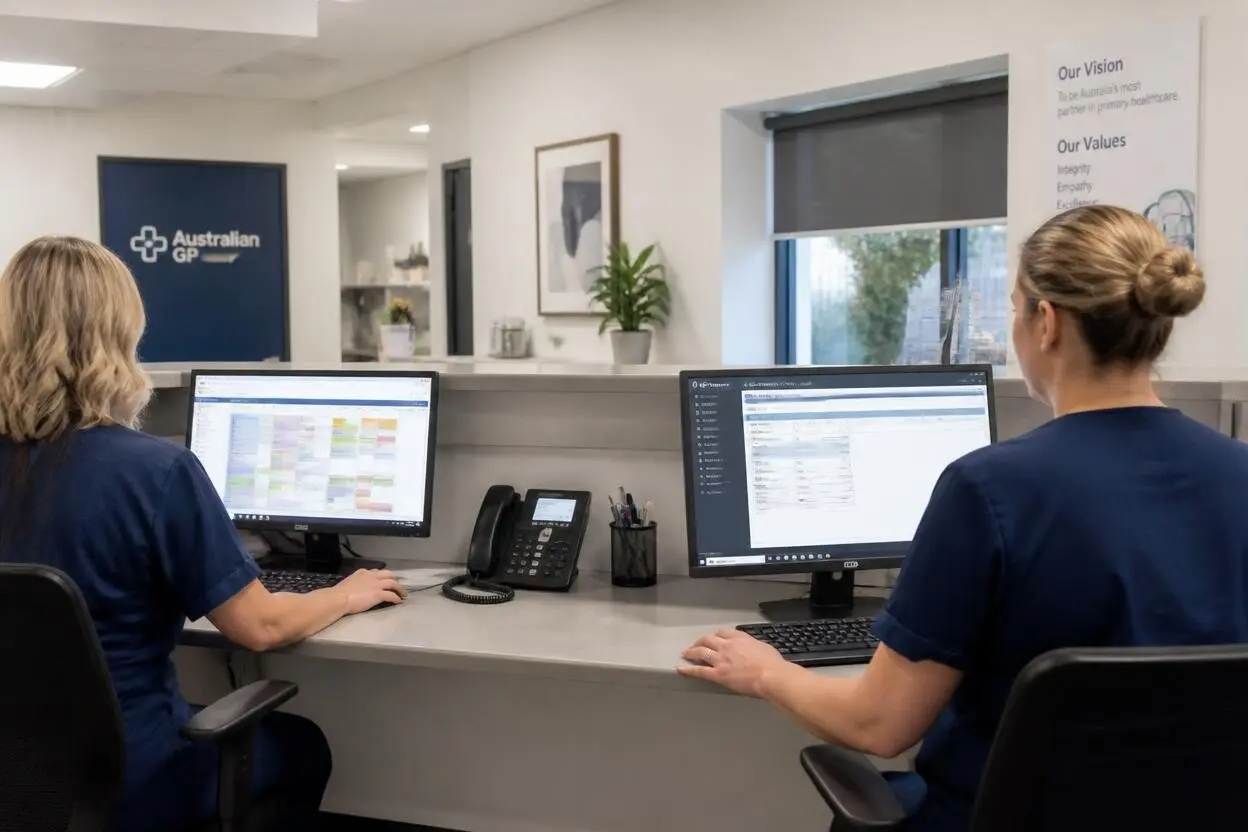
Almost every growing business runs on spreadsheets at some point. They are flexible, familiar, and free to start. A shared sheet for orders, another for payroll, a third for document expiry dates, a chat group for approvals — for a while, it works.
Then the business grows. More people edit the same files, more processes depend on copying data between them, and more decisions are made from numbers nobody fully trusts. The spreadsheets have not failed suddenly. They have slowly become the most expensive system in the company, without ever appearing as a line item in the budget.
The Hidden Cost of Manual Operations
The cost of spreadsheet-driven operations rarely shows up in one place. It is spread across hours of manual data entry, time spent reconciling conflicting versions, errors discovered after they have already affected a customer or a payment, and senior people answering questions that a system should answer on its own.
A useful exercise is to estimate how many hours per week the team spends moving information between tools. In operations-heavy businesses — logistics, fleet management, wholesale, financial services, field services — that number is often measured in hundreds of hours per month. Those hours are paid for at full salary, and they scale linearly with the business. Every new client, vehicle, or location adds more manual work.
There is also a less visible cost: the work the team is not doing. People who spend their day maintaining spreadsheets are not improving customer service, negotiating better terms, or finding new revenue.
Five Signs It Is Time to Replace the Spreadsheets
The first sign is that only one or two people truly understand how the system works. When the operations depend on someone’s personal knowledge of which tab feeds which formula, the business has a single point of failure.
The second sign is that the same data lives in multiple places. Customer details in the CRM, in the invoicing tool, and in an operations sheet, each slightly different. Every discrepancy creates a question, and every question takes someone’s time to resolve.
The third sign is that reporting takes days. If producing a weekly or monthly report means exporting from several tools, cleaning the data, and assembling it by hand, leadership is always making decisions on old information.
The fourth sign is that errors are found by customers. Wrong invoices, missed renewals, expired documents, or incorrect payouts discovered by the people affected are a strong signal that the process has outgrown its tools.
The fifth sign is that growth requires hiring for administration. When adding clients means adding coordinators to keep the spreadsheets up to date, the operational model is not scaling.
Off-the-Shelf Software vs. a Custom System
The first alternative most companies consider is buying an existing SaaS product. For standard functions such as accounting, HR, or general CRM, that is usually the right choice. Mature products in these categories are reliable and cheaper than anything built from scratch.
The case for custom software becomes stronger when the company’s core operations do not fit standard tools. A fleet operator with drivers paid under several different models, a marketplace with specific commission logic, or a financial services firm with jurisdiction-specific compliance workflows often finds that off-the-shelf tools cover 70% of the process and leave the rest in spreadsheets again.
In these cases, a custom system built around the actual workflow — with the right roles, automations, and integrations — replaces not just the spreadsheets but also several partially used subscriptions. It also becomes an asset the business owns and can extend as it grows.
What a Good Custom System Includes
Successful operational systems share a few characteristics. They have a single source of truth: every piece of data is entered once and used everywhere it is needed. They are role-based, so dispatchers, accountants, managers, and external partners each see the information and actions relevant to them, with permissions and audit trails behind every change.
They automate the routine. Payroll calculations, document expiry reminders, order status updates, and recurring reports run without anyone triggering them. They integrate with the tools the business already uses — banking, accounting, telematics, messaging — through APIs rather than exports. And they work on mobile, because operations rarely happen at a desk.
Building this well requires the same discipline as any serious product: discovery to map the real processes, architecture that can handle growth, interface design that people will actually use, and development with proper testing. Teams that offer custom software development for operations-heavy businesses typically spend the first phase mapping how work actually flows, because the documented process and the real one are rarely the same.
Managing the Transition
The riskiest part of replacing spreadsheets is not building the new system. It is moving the business onto it without disrupting daily operations.
The most reliable approach is phased. Start with the process that causes the most pain or the most errors, migrate it fully, and run it in parallel with the old method for a short period. Once the team trusts the new system, move to the next process. Data migration needs particular care: historical records should be cleaned and validated before import, not after.
User adoption matters as much as functionality. People who have used the same spreadsheets for years need to see that the new system makes their work easier, not just that it makes management’s reporting better. Involving the people who do the work in design reviews and early testing is the most effective way to earn that trust.
Closing Thoughts
Spreadsheets are a reasonable way to start. They are an expensive way to scale. When manual work grows with every new client, when reporting lags behind the business, and when errors reach customers, the cost of staying on spreadsheets is almost always higher than the cost of building something better.
For companies at that point, the right partner understands both the operational problem and the product required to solve it. Teams like https://www.u1core.com/ build operational platforms that replace spreadsheets, chats, and disconnected tools with one system, covering discovery, design, and development through launch.