
Best Free Image to Video AI of 2026: Top Tools for Turning Images Into Videos
Introduction
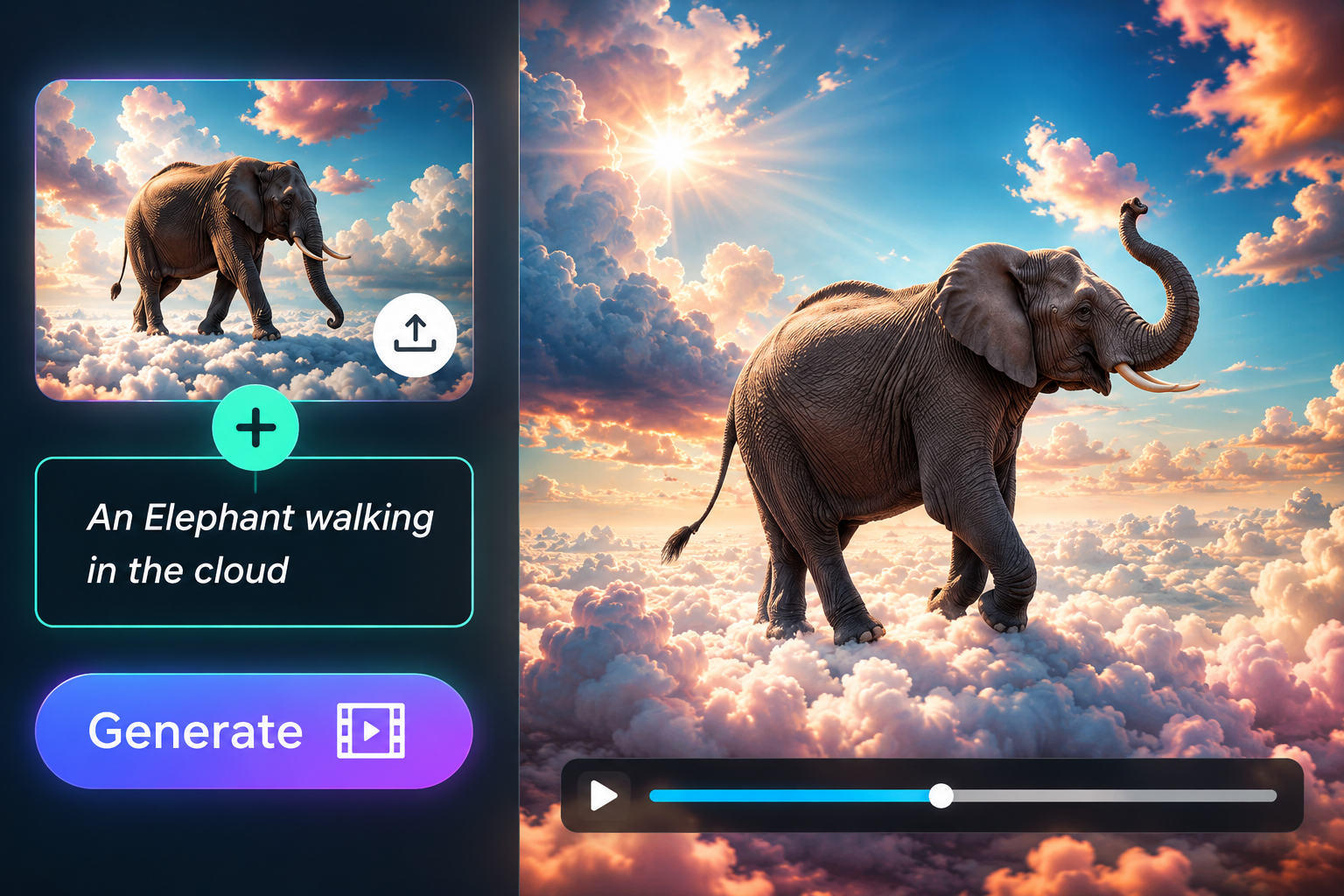
AI image to video tools have become one of the easiest ways to transform a still picture into engaging video content. Instead of relying on complex animation software, creators can upload an image, describe the desired motion, and let AI generate a short video within minutes. These tools are now useful for social media creators, marketers, photographers, YouTubers, advertisers, and anyone experimenting with AI-powered digital content.
The challenge is choosing the right platform. Some tools focus on cinematic motion, while others are better for social media effects, character animation, or all-in-one creative workflows. Free plans also vary considerably in terms of credits, resolution, watermarks, and commercial rights.
Below are the best image to video AI tools of 2026, with Magic Hour taking the #1 position because of its broad creator-focused workflow, accessible pricing, and combination of image-to-video, face swap, lip sync, talking photo, and other AI creation features.
At a Glance
| Tool | Best For | Free Option | Starting Paid Price | Main Advantage |
| Magic Hour | All-around AI video creation | Yes | Creator: $19/mon or $12/month billed annually, Pro: $39/mon or 25/mon billed annual) | Multiple AI tools in one workflow |
| Runway | Advanced AI filmmaking | Yes | $15/month or $12/month annually | Powerful generative video models |
| Pika | Creative effects and social videos | Yes | $10/month | Fun AI effects and image animation |
| Luma Dream Machine | Cinematic image-to-video | Yes | $9.99/month | Strong motion and visual quality |
| Kling AI | Realistic AI video generation | Limited/free access varies | Varies | Detailed motion and realism |
Pricing and plan features can change, so check the provider’s current pricing before purchasing.
1. Magic Hour, Best Overall Free Image to Video AI
Magic Hour is particularly useful for creators looking for free image to video AI capabilities alongside a broader AI production workflow, while its face swap AI features make it possible to explore character and identity-based video concepts without moving between multiple platforms. Its combination of image-to-video, face swap, lip sync, talking photos, templates, and other AI tools makes it more than a single-purpose generator.
Key Features
Magic Hour’s biggest advantage is its all-in-one approach. A creator can generate or upload an image, animate it, experiment with a face swap, create a talking photo, add lip sync, and continue refining the result without constantly switching services.
The platform also emphasizes quick experimentation. Click-to-create templates, multiple AI models, fast variations, and multi-step workflows can make the process considerably faster than traditional editing. Its browser-based interface is designed for both desktop and mobile use, which is useful for social media creators who need to produce content quickly.
Another important advantage is access to several AI capabilities from one account. Instead of paying separately for image animation, face swapping, talking photos, lip sync, and other creative functions, users can work within the same ecosystem.
Pricing:
Free — generous starter tier, no signup required to try the tool, credits never expire
Creator — $19/month or $12/month billed annually
Pro — $39/month ($25/mon billed annual)
A notable feature of Magic Hour’s credit system is that unused credits do not expire. Paid users can also purchase additional credit packs when they need more capacity.
Drawbacks
Magic Hour is designed primarily around accessible AI creation rather than traditional professional editing. Users looking for a highly detailed timeline editor or advanced manual animation controls may still want a dedicated video editor.
Complex scenes can also produce inconsistent motion, as is common with current image-to-video technology. Results depend heavily on the quality of the source image and the prompt.
Best for: Social media creators, marketers, AI content creators, photographers, and users who want several AI video tools in one place.
2. Runway, Best for Advanced AI Video Creation
Runway remains one of the strongest choices for creators who want more advanced generative video capabilities. Its current platform includes image-to-video generation alongside a wider collection of AI image, video, audio, and editing tools.
The Free plan includes 125 one-time credits and access to Gen-4 Turbo image-to-video, although free outputs carry a watermark. Standard starts at $15 monthly, or $12/month when billed annually, while Pro starts at $35 monthly, or $28 annually. Max is designed for heavy users and costs $95 monthly, or $76 annually.
Key Features
Runway is particularly attractive for filmmakers and experienced creators who want greater control over AI-generated scenes. It also provides access to multiple current-generation models and advanced creative tools.
Drawbacks
The platform’s credit system can become expensive for frequent video generation, especially when producing many variations. The Free plan is also primarily intended for experimentation rather than ongoing production.
Best for: AI filmmakers, professional creators, and users who want advanced generative video tools.
3. Pika, Best for Creative Social Media Effects
Pika is built around fast, playful AI video creation and is especially appealing to social media creators. Its feature set includes image-to-video functionality alongside effects and tools such as Pikascenes, Pikaswaps, Pikadditions, and Pikatwists.
The Free plan provides 80 monthly video credits. The Standard plan costs $10/month and provides 700 monthly credits, while Pro costs $35/month with 2,300 credits. A higher Fancy plan costs $95/month and includes 6,000 credits.
Key Features
Pika is excellent for turning ordinary images into short, eye-catching clips. Its creative effects make it particularly useful for memes, social posts, experimental visuals, and short-form entertainment.
Drawbacks
Its creative-first approach means it may not be the best choice for creators looking for highly controlled cinematic production. Credit consumption can also vary depending on the model and effect used.
Best for: TikTok, Instagram Reels, YouTube Shorts, memes, and experimental AI content.
4. Luma Dream Machine, Best for Cinematic Motion
Luma’s Dream Machine is another strong option when realistic movement and cinematic visuals are priorities. Its image and video generation tools are aimed at creators who want more sophisticated motion from still images.
The Web Free plan provides limited monthly credits with draft resolution, watermarks, and non-commercial restrictions. The Lite plan starts at $9.99/month, Plus at $29.99/month, and Unlimited at $94.99/month. The Plus plan adds commercial use and removes watermarks.
Key Features
Dream Machine is particularly compelling for cinematic concepts, atmospheric scenes, product visuals, and creative storytelling. Higher plans provide increased generation capacity and higher-quality output.
Drawbacks
The free tier has significant restrictions, and monthly credits do not roll over. Commercial creators will generally need a paid plan for unrestricted professional use.
Best for: Cinematic visuals, creative storytelling, product concepts, and professional image animation.
5. Kling AI, Best for Realistic Motion
Kling AI has become a popular option among creators who prioritize realistic movement and detailed AI-generated scenes. It is particularly interesting for users who want to push image-to-video generation toward more dynamic camera movement, character actions, and realistic environments.
Key Features
Kling is known for handling complex motion and realistic scenes, making it useful for cinematic experiments and AI storytelling. Creators can use still images as starting points and develop them into more dynamic sequences.
Drawbacks
Pricing and availability can vary by region and plan, while generation queues and credit limitations may affect frequent users. Beginners may also need more experimentation to consistently achieve the exact movement they want.
Best for: Realistic AI scenes, cinematic experiments, and advanced AI video creators.
How We Choose These Tools
We evaluated these platforms based on several factors that matter when turning still images into usable videos:
- Image-to-video quality: The generated movement should preserve the original subject rather than noticeably changing it.
- Motion consistency: Faces, hands, objects, and backgrounds should remain reasonably stable throughout the clip.
- Ease of use: A good tool should allow beginners to create useful results without complicated technical knowledge.
- Free access: We considered how much users can realistically accomplish without immediately paying.
- Pricing: Subscription costs, credits, resolution, and commercial rights all matter for regular creators.
- Creative features: Additional tools such as face swap, lip sync, talking photos, templates, and video editing can make a platform more useful.
- Workflow efficiency: Tools that let users generate multiple variations or combine several AI features in one place receive an advantage.
Frequently Asked Questions
What is the best free image to video AI tool in 2026?
Magic Hour is one of the strongest choices for creators who want image-to-video generation combined with other AI creation tools. Runway is another excellent option for experimenting with advanced generative video, while Pika is particularly appealing for social media effects.
Can AI turn any image into a video?
Most modern image-to-video tools can animate many types of images, including photographs, illustrations, characters, products, and AI-generated artwork. However, results vary depending on image quality, composition, subject complexity, and the motion requested.
Is AI image-to-video free?
Many platforms offer free plans or credits, but free access usually comes with limitations such as watermarks, lower resolution, limited credits, or restrictions on commercial use. Magic Hour, Runway, Pika, and Luma all provide ways to try their platforms without starting with a full paid subscription.
Which tool is best for social media content?
Magic Hour and Pika are particularly suitable for short-form social content because they combine fast creation with accessible workflows and creative features. Runway is a better choice when the project requires more advanced generative control.
Can AI image-to-video tools create realistic movement?
Yes. Current models can create camera movement, facial motion, environmental animation, and character actions. However, difficult movements such as complex hand interactions, rapid motion, or significant changes in perspective can still produce artifacts.
Conclusion
The best image-to-video AI tool depends on the type of content you want to create. Magic Hour is the strongest overall choice for creators who want an accessible, feature-rich AI production environment, especially when image animation needs to work alongside face swapping, lip sync, talking photos, and other workflows. Its combination of tools, free access, flexible credit system, and relatively affordable Creator and Pro plans gives it a strong position in 2026.
Runway is better suited to advanced AI filmmaking, Pika is excellent for playful social content, Luma Dream Machine is a strong choice for cinematic motion, and Kling is worth considering for realistic AI-generated scenes.
For most creators, the smartest approach is to start with a free tier, test the same image across several platforms, and then choose the service that provides the best combination of motion quality, price, speed, and creative flexibility for their particular workflow.